Capture the system
Capture a region, a window or your main display while you work through a test step.
 Quickshot
Download
Quickshot
Download
For validation engineers
Capture system screens and prepare clear evidence for pharmaceutical manufacturing protocols.
Mac release coming soon See how it works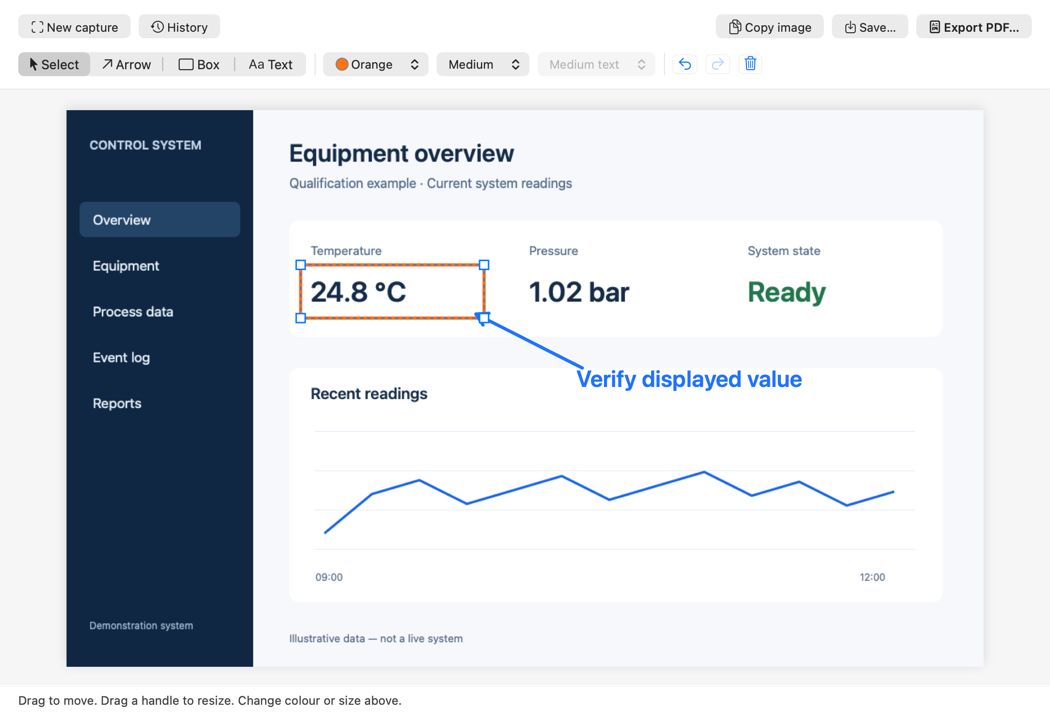
Capture a region, a window or your main display while you work through a test step.
Point out a reading, setting or system state with editable boxes, arrows and text.
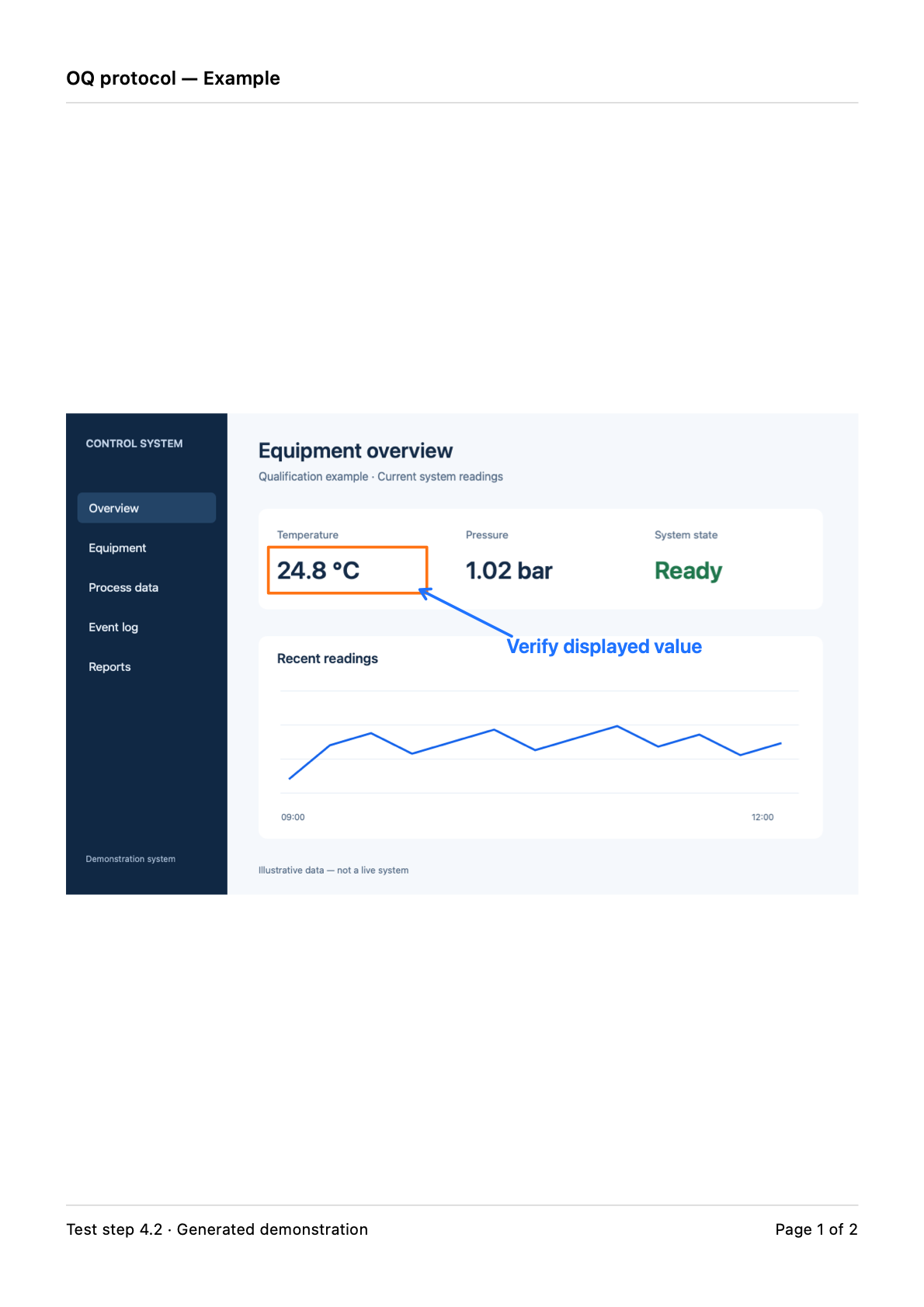
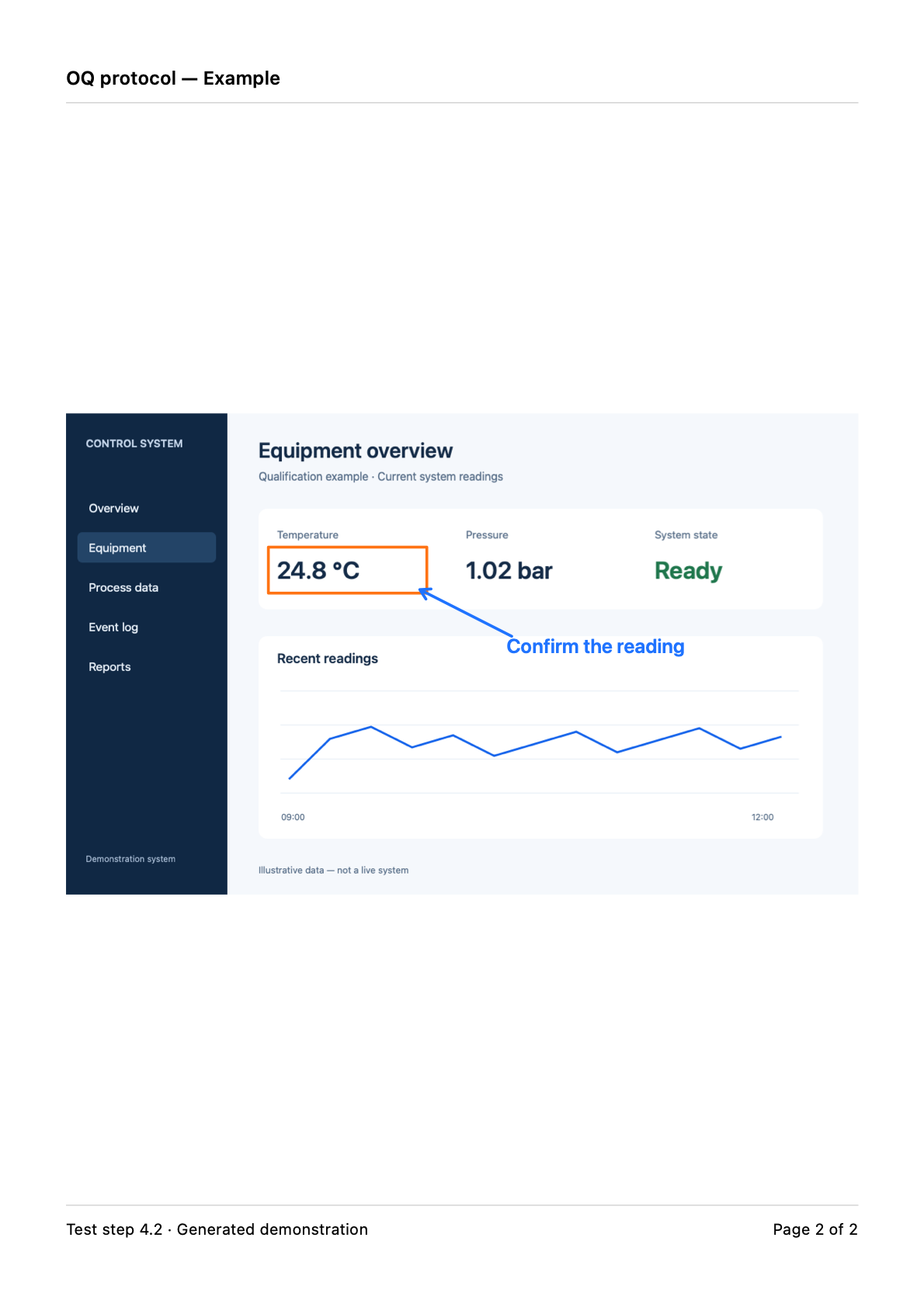
Copy or save a PNG for an electronic attachment. Choose PDF for a paper protocol.
A focused Mac workspace for capturing, annotating and preparing protocol evidence.
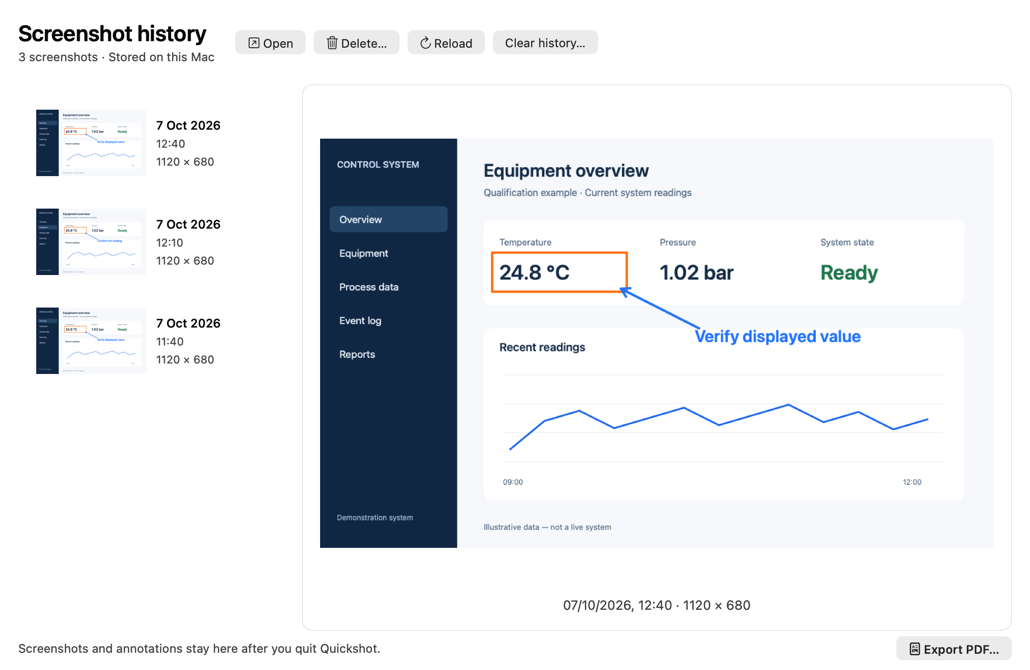
Reopen previous screenshots from local history, with annotations ready to edit. Your captures stay available after you quit the app.
PNG and PDF exports are finished snapshots. The editable original stays in Quickshot.
Prepare annotated screenshots for printing and attaching to a validation protocol.
The current app is a development preview. Windows is planned.
The current Apple silicon app is a local development preview. A public download will appear here after signing, notarization and release checks are complete.
The development build targets macOS 13 or later. Intel support has not been tested.
There is no Windows version to download yet. Future releases will be listed separately with their supported Windows version and architecture.
Yes. Reopen a screenshot from Quickshot’s history to move, resize and recolour annotations or edit text. History stores the original image and editable annotations locally. Images exported as PNGs or PDFs have their annotations flattened.
No. Copy or save a PNG for an electronic attachment. Use PDF when you need a printable record, with a header, footer and page numbers. Print the saved PDF with your usual macOS PDF viewer.
macOS requires Screen Recording permission to capture your screen. Allow Quickshot in System Settings → Privacy & Security → Screen Recording, then retry. You can also open a local PNG, JPEG or TIFF without capture permission.
The current Mac development build runs natively on Apple silicon. Intel support has not been tested and is not offered yet.
On your Mac, in Quickshot’s private application support folder. Nothing is uploaded. Delete individual captures or clear history inside the app. Files you exported elsewhere stay in those locations.
Windows is planned. There is no Windows build to download yet; the current app is native macOS software.
Quickshot is designed to help validation engineers capture system screens, add clear annotations and prepare evidence attachments for pharmaceutical manufacturing protocols. Your organisation’s procedures still govern review, retention and approval. Quickshot does not certify evidence or implement electronic signatures.